
If you’re just getting started in crypto or looking to participate in airdrops, the first and most important step is creating a crypto wallet.
Think of your wallet as your personal gateway to Web3, it’s where you store your digital assets, interact with blockchain apps, and receive airdrops.
Without a wallet, you simply can’t participate.
But here’s the thing:
Setting up a crypto wallet is easy… doing it safely is what most beginners get wrong.
In this guide, I’ll walk you through:
- What a crypto wallet is
- The types of wallets you should know
- How to create one step-by-step
- Critical security tips (don’t skip this)
By the end, you’ll have your wallet ready and more importantly, secure.
What Is a Crypto Wallet?
A crypto wallet is a tool that allows you to:
- Store cryptocurrencies
- Send and receive tokens
- Connect to decentralized applications (dApps)
- Participate in airdrops
Unlike a traditional wallet, it doesn’t actually store your money physically. Instead, it stores your private keys which give you access to your funds on the blockchain.
Types of Crypto Wallets (Quick Overview)
Before creating one, you should understand the two main types:
Hot Wallets (Best for Beginners)
- Connected to the internet
- Easy to use
- Perfect for airdrops
Examples:
- MetaMask
- Trust Wallet
Cold Wallets (Advanced Users)
- Offline storage
- More secure
- Used for holding large funds
Examples:
- Hardware wallets
For this guide, we’ll focus on hot wallets, since they’re what you need for airdrops.
What You Need Before Creating a Wallet
Before we jump into the steps, make sure you have:
- A smartphone or computer
- Internet connection
- A quiet, safe place (important for security setup)
Step-by-Step: How to Create a Crypto Wallet
We’ll use MetaMask as the main example because it’s widely used.
Step 1: Download the Wallet
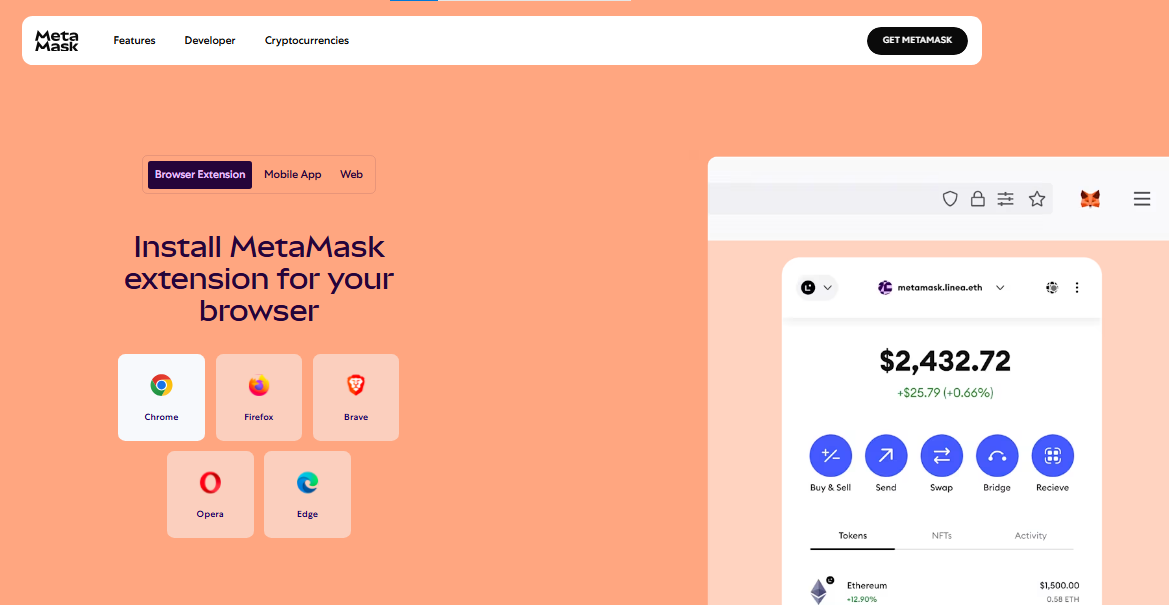
- Go to the official MetaMask website
- Choose your device:
- Chrome extension
- Mobile app
Important:
Never download wallets from random links always use the official site.
Step 2: Create a New Wallet
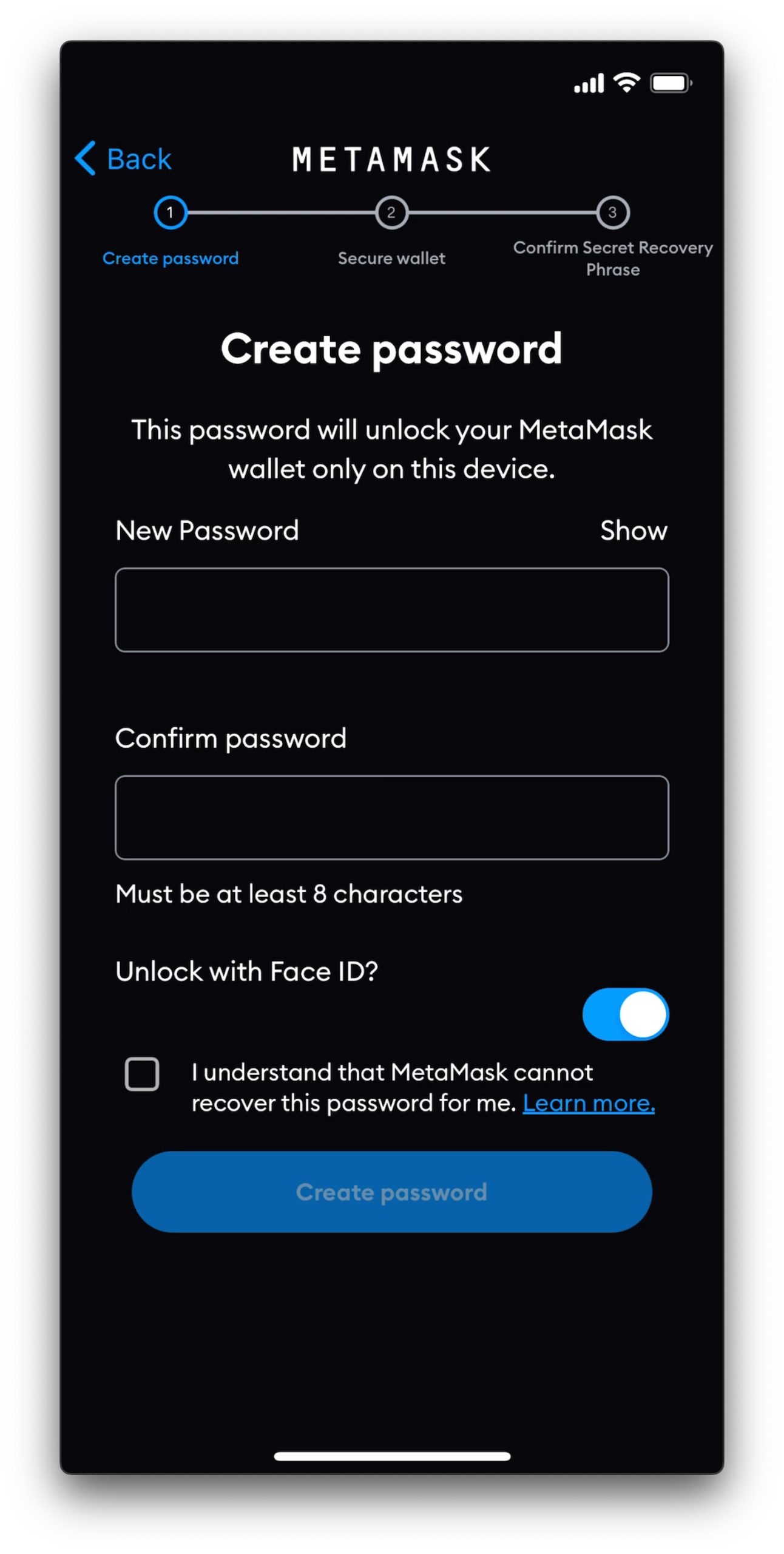
- Click “Create a Wallet”
- Set a strong password
Tip:
Use a password that includes:
- Uppercase + lowercase
- Numbers
- Symbols
Step 3: Save Your Seed Phrase (MOST IMPORTANT STEP)
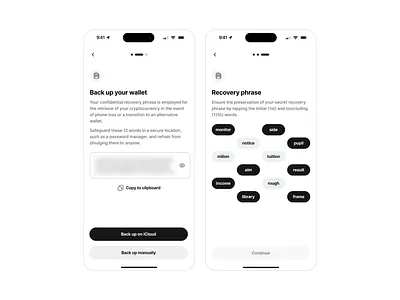
You’ll be given a 12-word seed phrase.
This is your wallet’s master key.
Write it down on paper
Store it somewhere safe
NEVER:
- Share it with anyone
- Save it in screenshots
- Store it online
If someone gets your seed phrase, they can steal everything in your wallet instantly.
Step 4: Confirm Your Seed Phrase
- Re-enter the words in the correct order
- This ensures you saved it properly
Once done your wallet is officially created
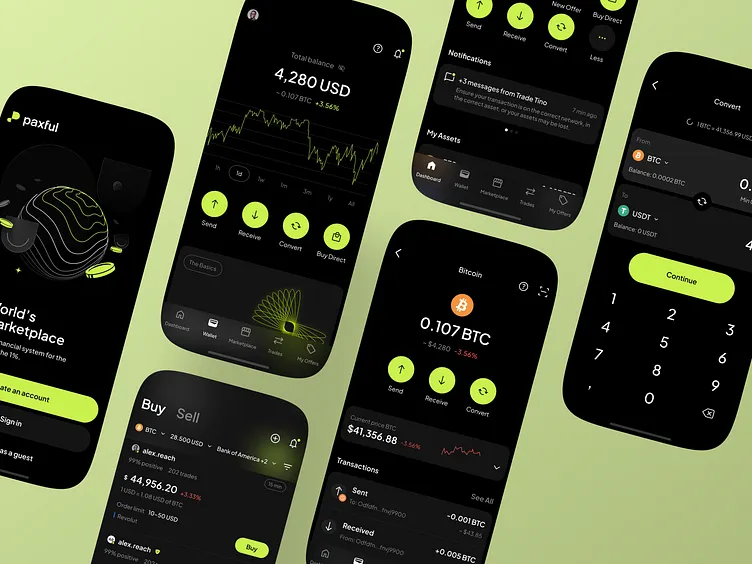
Step 5: Explore Your Wallet Dashboard
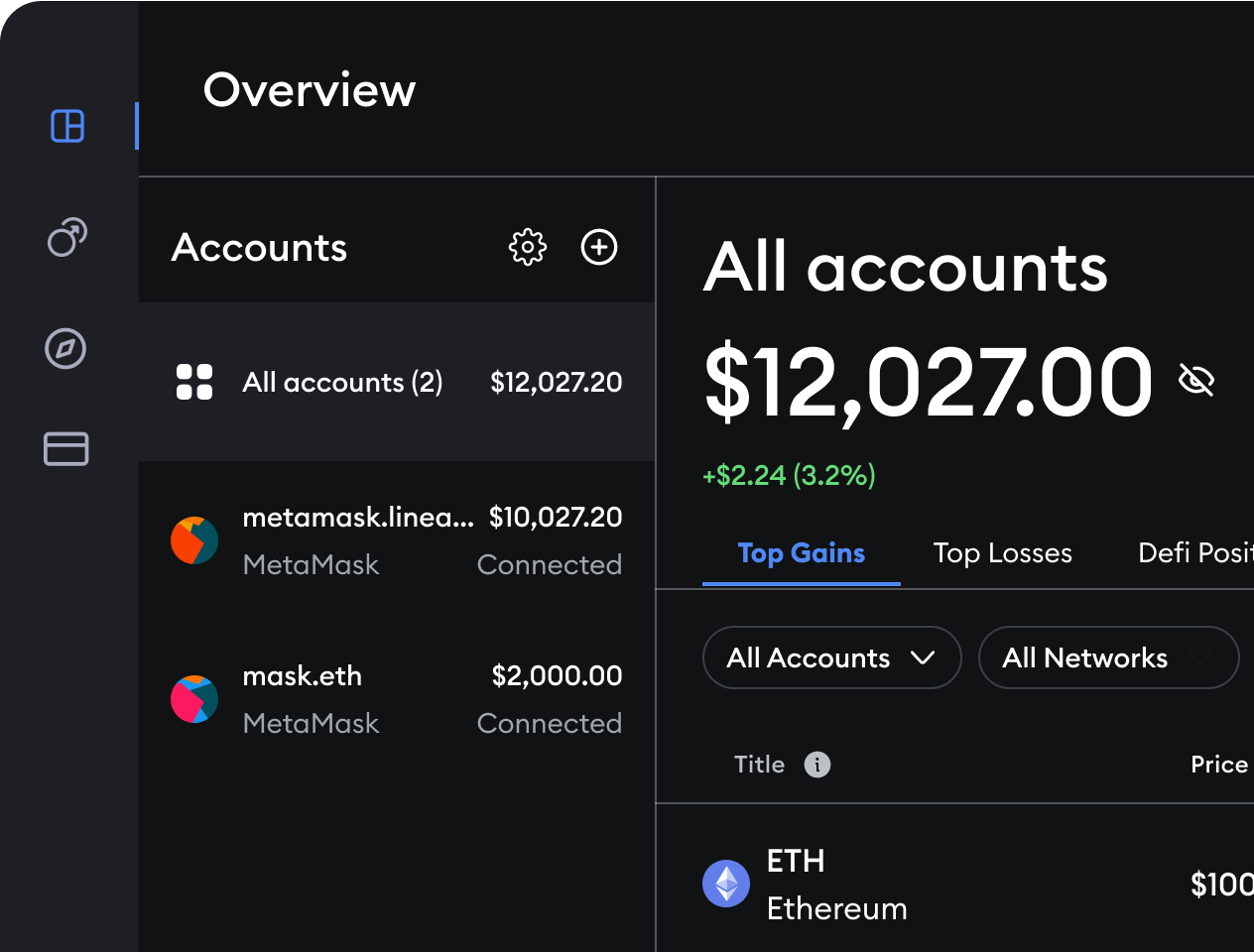
Inside your wallet, you’ll see:
- Your wallet address
- Token balances
- Send/Receive buttons
Your wallet address is like your bank account number, you can share it to receive crypto.
How to Use Your Wallet for Airdrops
Now that your wallet is ready, here’s how you’ll use it:
- Connect it to websites
- Complete tasks (follow, swap, stake, etc.)
- Receive rewards
Most airdrops require you to interact with blockchain apps.
Common Mistakes Beginners Make
Let’s save you from costly errors:
1. Saving Seed Phrase on Phone
Bad idea, phones get hacked.
2. Clicking Fake Links
Always double-check URLs.
3. Connecting Wallet to Unknown Sites
Some sites are designed to drain wallets.
4. Using One Wallet for Everything
Smart users create:
- One wallet for airdrops
- One wallet for savings
Pro Security Tips (Very Important)
If you remember nothing else, remember this section:
- Use a separate wallet for airdrops
- Never share your private keys
- Disconnect wallet from unused sites
- Consider using multiple wallets
- Bookmark official sites
Bonus: Best Wallets You Can Also Use
Aside from MetaMask, here are solid options:
- Trust Wallet (mobile-friendly)
- Phantom Wallet (great for Solana)
Each has its own strengths, but MetaMask is still the most widely supported.
Final Thoughts
Creating a crypto wallet is your first real step into Web3.
It might feel technical at first, but once you set it up, everything else becomes easier:
- Joining airdrops
- Exploring DeFi
- Using blockchain apps
Just remember:
Security comes first always
Quick Summary
- A crypto wallet lets you store and use crypto
- Hot wallets are best for beginners
- Use MetaMask to get started
- Never share your seed phrase
- Use separate wallets for safety
What’s Next?
Now that you have your wallet ready, your next step is:
Learning how to actually participate in airdrops
(That’s where the real opportunities start 👀)